
A Reel can attract attention without helping anyone understand what you sell. A viewer enjoys the story, visits the profile and lands on a page full of unrelated products. The video did its entertainment job, but the journey from interest to a useful purchase was never designed.
A funnel is simply that sequence of decisions. It should help a suitable person recognise a problem, inspect your solution and decide whether it fits. This guide plans a funnel for an original AI Story Reel Kit, using concrete page sections, sample files and measurement questions. The product is a worked example, not an offer represented as already available.
Choose the buyer before choosing the hook
“People interested in AI” is too broad to guide a useful offer. An aspiring storyteller, a small-business owner and an experienced editor have different needs. The aspiring storyteller may need character references and a tested production sequence. The business owner may want a finished promotional video. The editor may value editable source files.
For our example, choose an independent creator who wants to make short original stories but struggles with planning and consistency. That buyer is not necessarily looking for hundreds of random finished clips. They need a manageable starting point and clear information about the remaining work.
Write a buyer sentence: “This kit is for a creator who can use the listed tools and wants a documented starting system for short stories.” Then write an exclusion: “It is not a one-click cinematic generator or a guarantee of views.” The exclusion makes the offer clearer, not weaker.
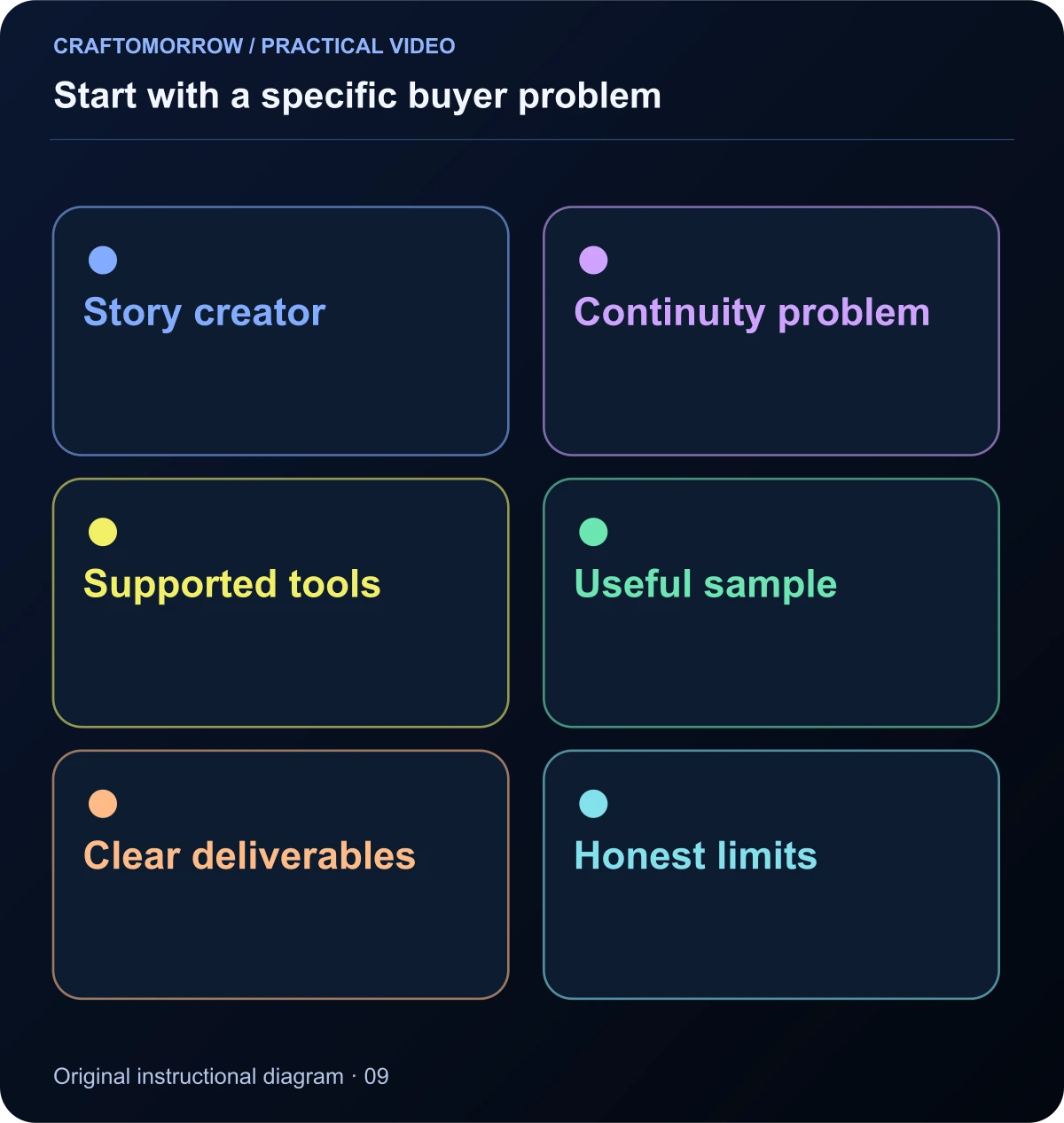
Read the diagram as text
- Story creator
- Continuity problem
- Supported tools
- Useful sample
- Clear deliverables
- Honest limits
Make the Reel promise one relevant outcome
The hook should attract the intended buyer, not merely the largest possible crowd. “Here is how one character stays recognisable across five scenes” creates a different expectation from an unexplained fantasy battle. Both can be interesting, but only one directly signals an educational production offer.
Show the result early enough that the viewer can decide whether it is relevant. Then reveal a useful decision: the reference sheet, scene-state ledger or editable project. Give away a small piece of practical knowledge inside the video. The next link should continue that learning rather than rescue an empty teaser.
Avoid presenting an attractive final clip as evidence that the buyer will receive the same result automatically. If the kit contains project files and inputs, show them. If it contains finished videos, show those. The preview establishes an expectation that the product page must honour.
Study visible creator calls to action carefully
Some creators invite viewers to comment a keyword to receive a link or resource. Our research recorded examples of public caption promises, including a film-trailer reference directing interest toward a larger story. We did not submit comments or inspect a private message sequence, so that research does not establish the complete delivery or sales funnel.
The useful lesson is the relationship between the content and the promised next step. A trailer can lead to a film. A breakdown can lead to instructions. A product preview can lead to included files. A keyword alone is not the source of value.
Choose a delivery route you can actually support. A direct page link may be simpler than an automated comment-to-message system. If you use an automated route, test its delivery, consent wording and failure handling. Do not collect personal details merely because another creator appears to do so.
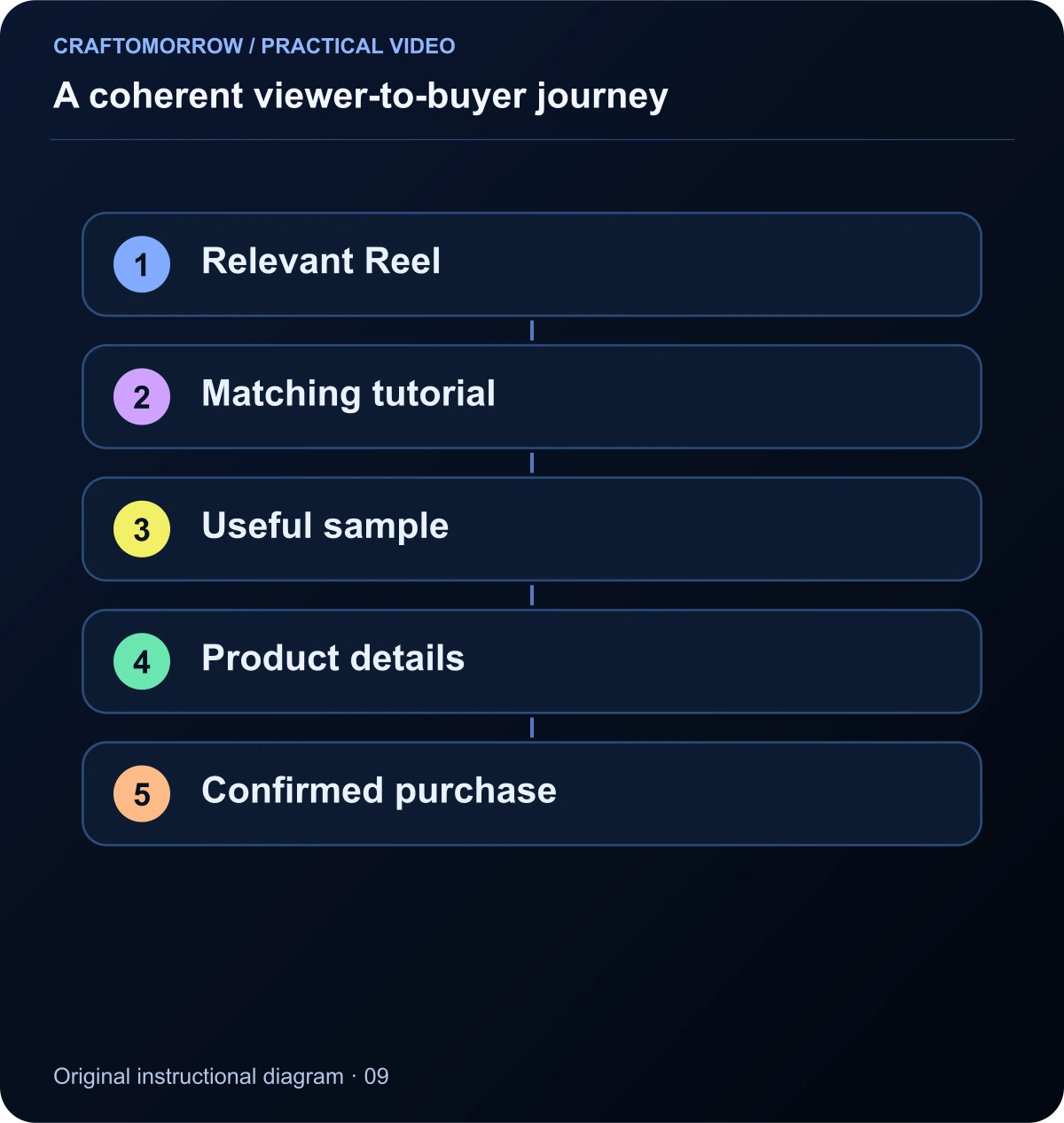
Read the diagram as text
- Relevant Reel
- Matching tutorial
- Useful sample
- Product details
- Confirmed purchase
Create a sample that resolves uncertainty
A free sample should help the reader evaluate the paid product. For the story-kit example, a useful sample could include one character-reference brief, one storyboard and a small editable scene. It should demonstrate the file quality, instructions and compatibility rather than serve as an unrelated giveaway.
Decide whether an email address is necessary for delivery. An ungated sample can reduce friction and let people inspect the work immediately. If you offer optional follow-up, explain what messages they will receive. Do not silently turn a file-delivery request into permission for unrelated marketing.
Make the sample complete within its scope. A single working scene is more informative than a deliberately broken project that demands a purchase to open. Clearly identify what is omitted from the sample and what the paid package adds. A buyer should be able to judge the workflow rather than rely on a promise.
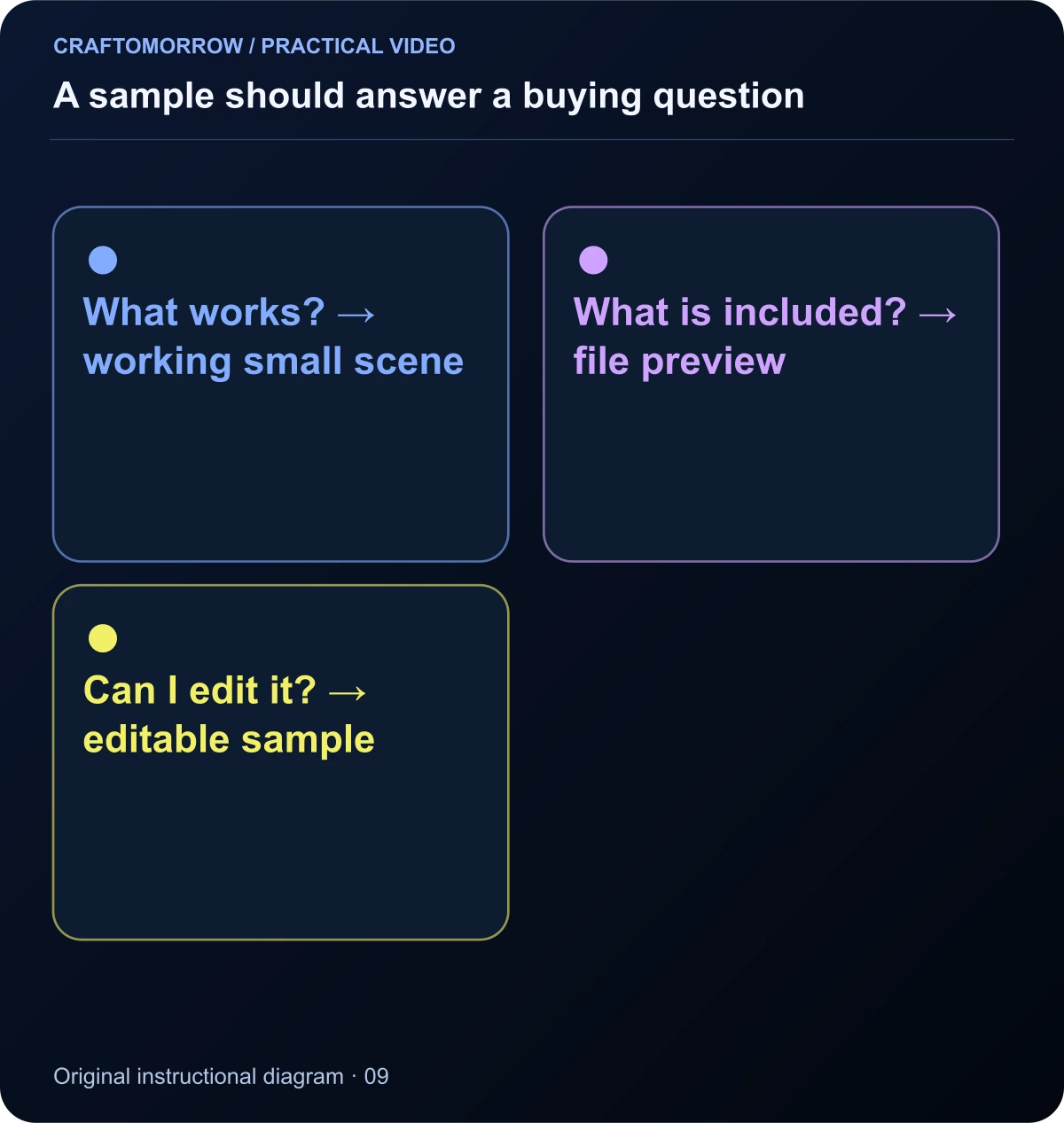
Read the diagram as text
- What works? → working small scene
- What is included? → file preview
- Can I edit it? → editable sample
Build the product page around buyer questions
Begin with a plain-language statement of what the product is, who it helps and what is included. Show a genuine preview of the actual deliverables. Explain the required tools and skill level before the buyer reaches checkout. Do not hide a paid video-generation requirement behind “no experience needed” if the workflow depends on it.
| Buyer question | Useful page evidence |
|---|---|
| What am I buying? | Finished files, editable projects and inputs listed separately |
| Can I use it? | Supported software, versions and setup requirements |
| What does the output look like? | Actual previews from the delivered package |
| What can I change? | Specific editable controls and limits |
| What costs remain? | External tool, rendering or audio requirements |
| What if something breaks? | Support route, known limitations and applicable policy |
Use illustrations to explain structure, but do not pass them off as application screenshots or customer outcomes. A premium-looking mockup helps presentation only when the underlying offer is understandable.
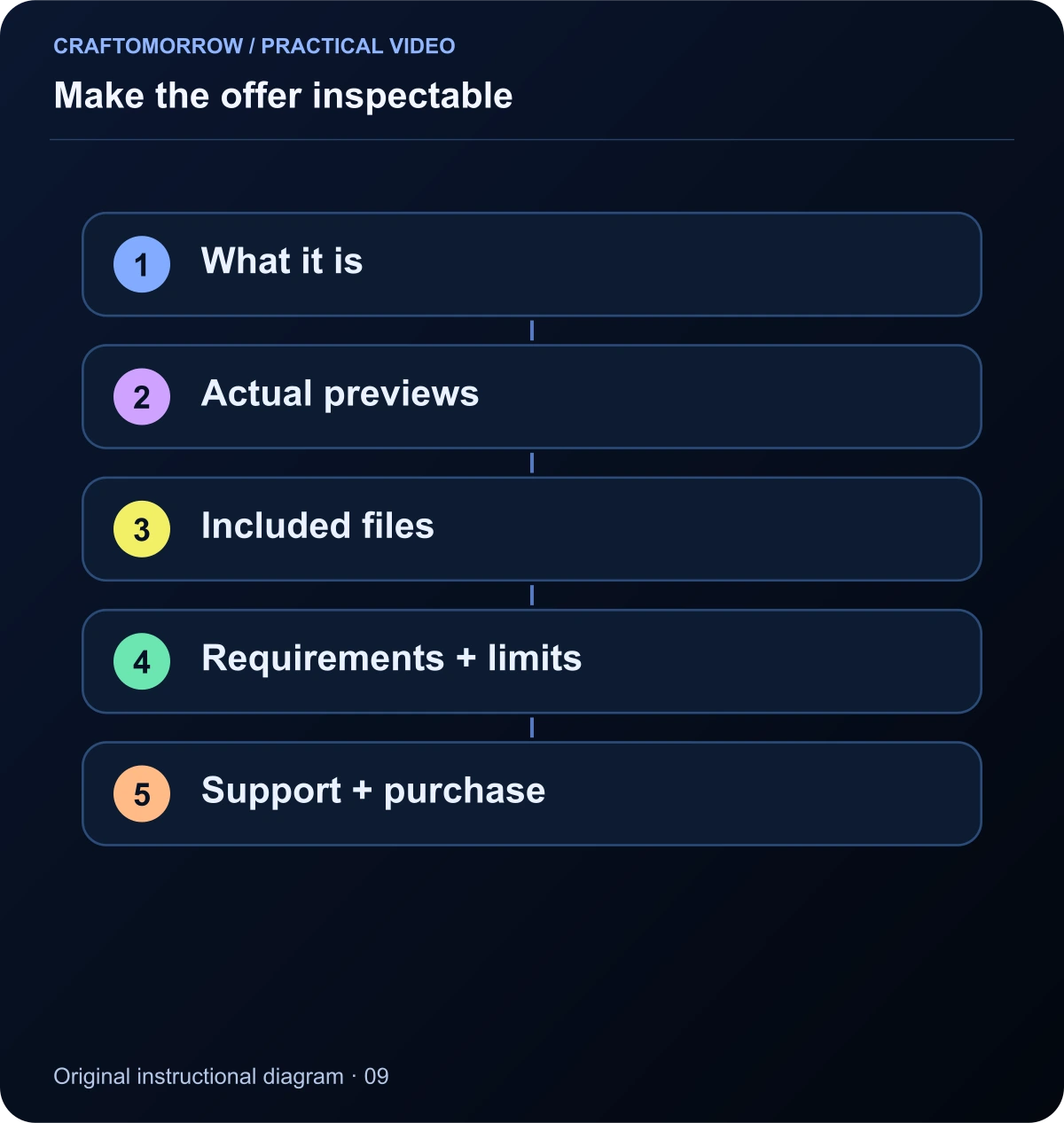
Read the diagram as text
- What it is
- Actual previews
- Included files
- Requirements + limits
- Support + purchase
Make the next action specific
“Learn more” is sometimes appropriate, but a more precise action can reduce uncertainty. “Open the sample storyboard,” “See the included files” or “Check compatibility” tells the visitor what happens next. Reserve the purchase action for a page that has answered the practical questions.
Keep the primary action visually clear without making every section a demand to buy. A tutorial reader may need another article before they are ready. Link to a relevant guide when it helps them decide; do not interrupt every useful paragraph with a sales banner.
On mobile, inspect the actual button, destination and back navigation. A beautiful desktop page can fail if a floating overlay covers the action or the checkout link opens unexpectedly. The funnel is a working journey, not just a diagram of intended steps.
Write follow-up messages that continue the education
If a reader opts into follow-up, begin by helping them use the sample. The first message can explain the reference sheet and point to a complete tutorial. A later message can show a common continuity problem and a practical correction. Introduce the paid kit when it provides a relevant next step.
A simple sequence might be: sample instructions, storyboard lesson, quality-review lesson, kit walkthrough and an answer to common compatibility questions. This is a proposed educational sequence, not a claim that a fixed number of messages guarantees sales.
Use subject lines that match the content. A message about organising a shot list should not promise a large income result. Show actual work, explain limitations and let readers leave the sequence easily. Trust is strengthened when the experience matches the promise at each step.
Track the decisions, not just the traffic
Map an event to each meaningful stage: landing-page visit, sample download, product view, checkout start and confirmed purchase. Keep button clicks separate from completed downloads and completed payments. A checkout visit does not prove that money changed hands.
Add product and content identifiers where your analytics system supports them. If every download shares the same event name, an item identifier can still reveal which resource was requested. Keep personal details out of analytics event parameters. You do not need a reader’s email address to understand which page or item they used.
Google’s GA4 engagement documentation explains that engagement metrics have defined conditions. An engaged session is not the same thing as a sale or a satisfied customer. Use it as one diagnostic signal alongside the actual steps in your journey.
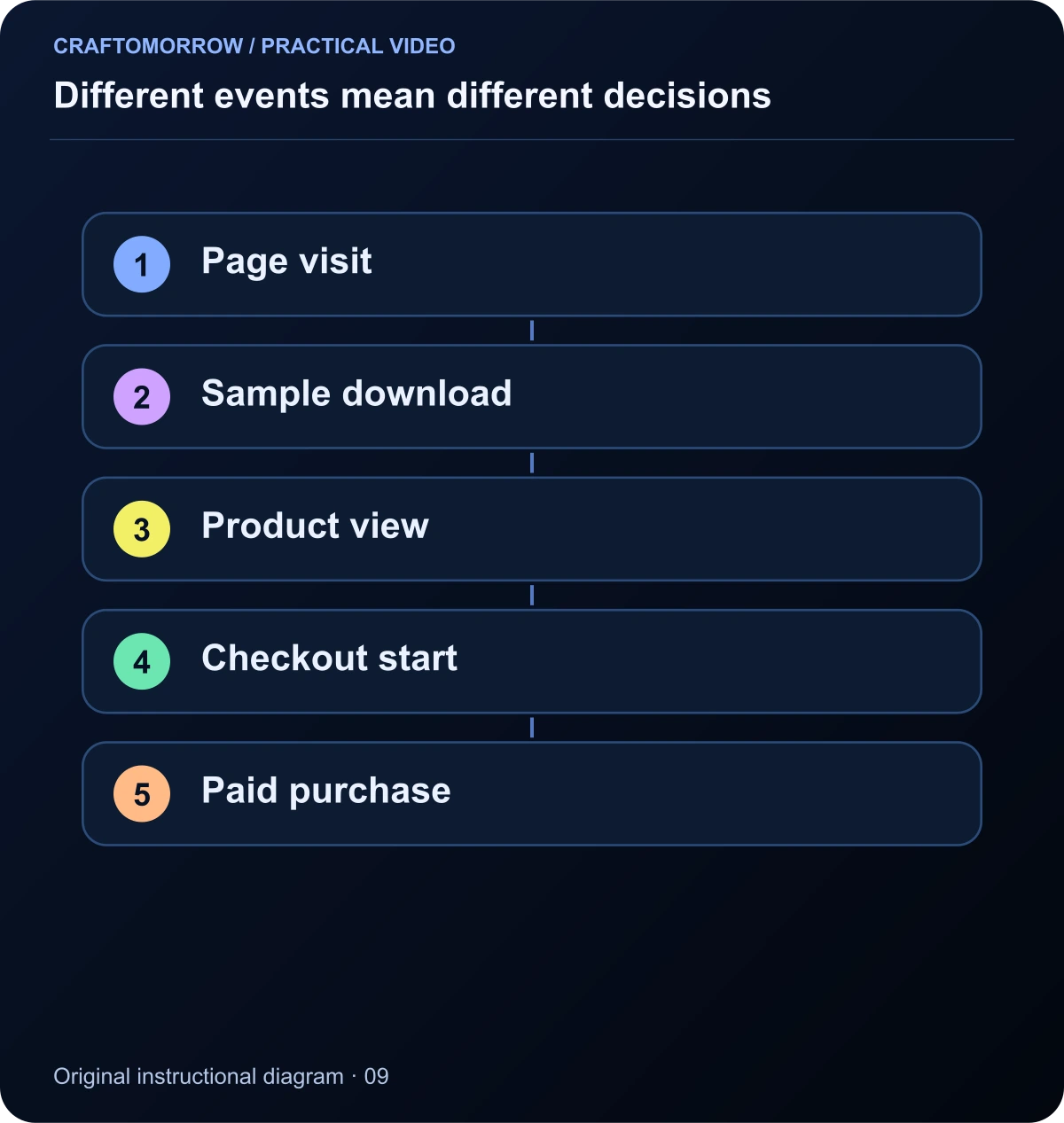
Read the diagram as text
- Page visit
- Sample download
- Product view
- Checkout start
- Paid purchase
Use a clearly labelled arithmetic example
Suppose, purely for illustration, one hundred people reach a product page, twenty open a sample, five begin checkout and two complete a purchase. Those are invented numbers for explaining denominators, not results from Craftomorrow or a creator in the research library.
| Stage | Example count | Question to investigate |
|---|---|---|
| Product-page visits | 100 | Did the video attract the intended buyer? |
| Sample opens | 20 | Was the sample clear and relevant? |
| Checkout starts | 5 | Did the offer answer practical questions? |
| Confirmed purchases | 2 | Did payment and fulfilment work? |
Two purchases out of one hundred page visits is a two-percent page-visit purchase rate in this example. It is not a benchmark or forecast. If your real analytics counts users, sessions and events differently, do not mix those quantities in one calculation. Define the denominator before interpreting the percentage.
Diagnose the largest drop with evidence
If viewers watch but do not visit, inspect whether the next step is clear and relevant. If they visit but leave immediately, check mobile loading, layout, message match and intrusive overlays. If they inspect the sample but do not continue, consider whether the paid product adds enough useful value or has unclear requirements.
If checkout starts occur without confirmed purchases, test the payment route and look for missing information, unexpected costs or technical failure. Do not automatically assume the price is wrong. The event itself may also be a click proxy rather than a true checkout start.
Use a small issue log: observed symptom, supporting evidence, proposed explanation, one change and review date. Avoid changing the video, offer, page and checkout at the same time if you want to learn which change mattered. For low traffic, pair the numbers with direct usability checks rather than declaring a winner too quickly.
Keep the sample and product connected
A common failure is a useful article leading to a product that solves a different problem. Someone reading about character consistency should encounter a relevant reference system or production guide, not an unrelated budgeting spreadsheet. A smaller relevant offer can be more coherent than a broad bundle of everything you have made.
Keep names, screenshots, included files and compatibility notes consistent across the Reel, sample page, emails and checkout. If the product changes, update the earlier promises too. A stale preview can mislead even when the current sales page is accurate.
For a kit that is still in development, offer a genuine educational download without implying the finished product is available. You can invite interest in future work, but label that status clearly. A working free resource is more valuable than a purchase button leading to an unfinished package.
Write the example funnel in plain language
For the proposed AI Story Reel Kit, the video could open with the same original character in several planned scenes, then show the continuity sheet that connects them. Its promise is practical: learn how to plan a recognisable character across a short story. The next action is to open the full continuity guide, not an unrelated income offer.
The guide provides a usable explanation and a small worksheet. The sample page then says exactly what the downloadable bundle contains: a reference brief, a storyboard exercise and a small editable motion study. If no paid kit exists yet, that page should not imply one can be purchased. Useful education can stand on its own.
When a verified paid kit is ready, its page can show a finished original example, a folder preview, editable controls and requirements. The purchase description repeats those deliverables. Follow-up messages help buyers open and use the files rather than immediately pushing them into another product.
This journey is deliberately specific. A person attracted only by a fantasy story may not continue to a production guide, and that is not automatically a failure. The funnel is designed for someone interested in making videos. It should help you distinguish entertainment interest from interest in the practical offer.
Check the journey without contaminating your results
Run a clearly identified test of the landing page, download, checkout and fulfilment before launching traffic. Do not complete unnecessary paid transactions merely to create analytics events. Where a platform provides a legitimate test mode, use it according to its documentation. Keep test results separate from actual customer activity.
For a download, verify the real action: the expected file is delivered and opens correctly. For purchase tracking, verify the payment-confirmed source rather than a public thank-you page that anyone can refresh. A thank-you view can still be useful for diagnosing fulfilment, but it is not sufficient evidence of a paid order by itself.
Document event names, item identifiers and the meaning of each action. If a button click is only an intent signal, name and report it as such. Do not assign invented ad revenue to page views or treat estimated engagement as money received. Real revenue should come from the relevant payment or advertising records.
Review attribution carefully too. A visitor might first discover the site through a Reel and later return directly or through email. One analytics report may not describe the entire decision. Use consistent links and event definitions, but keep uncertainty visible rather than claiming that every sale belongs to the last visible click.
Finally, evaluate whether the journey is useful even before it generates a purchase. Can the reader apply the tutorial? Does the sample work? Are the requirements clear? Those are immediate quality checks you can improve while collecting the larger amount of evidence needed to judge commercial performance.
Make one daily review answer a specific question
A useful daily funnel review should answer a question rather than display every available metric. Start with whether the expected audience reached the intended page, whether the sample action worked, and whether any confirmed purchases were recorded. Then inspect the largest unexplained gap. Keep test activity and actual customers distinguishable where the tools support it. Write a short observation and one proposed next check. Avoid interpreting a quiet day as proof that the whole product is wrong, or a single order as proof of a scalable campaign. The review becomes useful when it guides a limited action supported by the evidence you actually have.
Your practical funnel exercise
Choose one specific buyer problem and build a journey on paper. Write the video promise, sample contents, product-page headline, compatibility note and final purchase description. Then check whether each step naturally answers the question created by the previous step.
- Define the intended buyer and who the offer is not for.
- Give the Reel one relevant promise.
- Provide a complete sample within a small scope.
- Show actual deliverables and remaining requirements.
- Track confirmed actions with consistent item identifiers.
- Test the journey on a phone before sending traffic.
Ask someone unfamiliar with the product to explain what they would receive and what they would still need to do. If their explanation differs from the actual package, revise the journey. The goal is not to push every viewer toward checkout. It is to help a suitable buyer make an informed decision with as little confusion as possible.
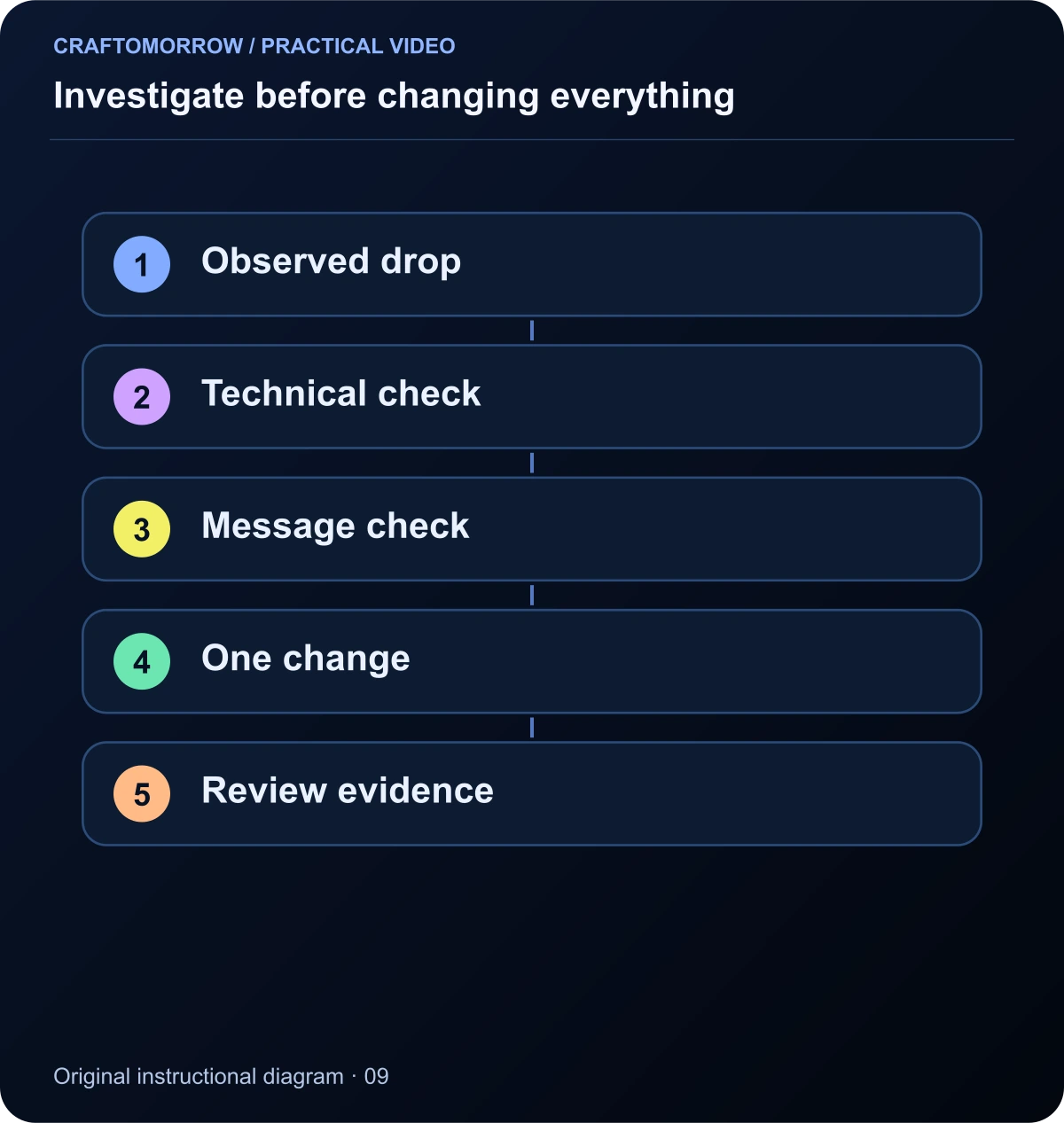
Read the diagram as text
- Observed drop
- Technical check
- Message check
- One change
- Review evidence
About the visuals: cover artwork is an original AI-assisted conceptual illustration. Instructional diagrams are authored illustrations, not application screenshots, measured benchmarks or proof of customer outcomes. Public creator references are linked for study; their files and workflows are not included in the download.
Was this article useful?
Your feedback helps us improve these guides.