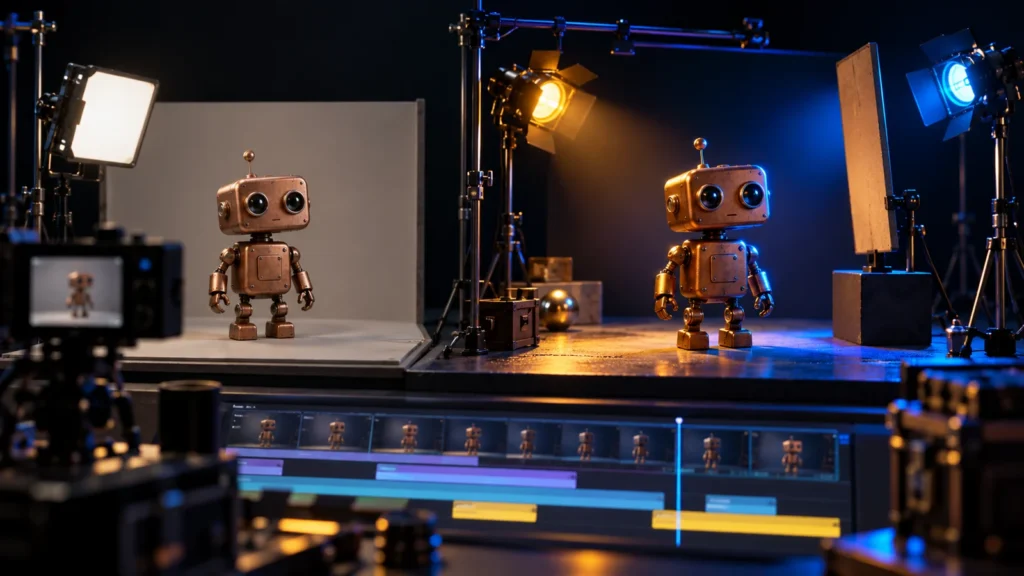
A video can be sharp, colourful and expensive to generate while still feeling unfinished. Often the problem is not resolution. The subject is difficult to read, the camera moves without purpose, the sound does not match the action, or every shot belongs to a slightly different world. Upscaling those mistakes gives you larger mistakes.
This guide is a practical diagnostic process. You will inspect a short sequence in passes, identify the failure that matters most, and choose a repair that fits the story. The examples use an original courier robot and a simple product demonstration. All illustrated comparisons are teaching diagrams, not fabricated before-and-after results from a model test.
Problem 1: the frame has no clear visual priority
When everything is equally bright, detailed and active, the viewer has to search for the subject. On a phone, this can happen even in a beautiful image. A tiny product, busy background and large decorative caption compete instead of supporting one message.
Pause on the first useful frame and ask what you notice first, second and third. For the courier story, the seed or robot should usually lead attention. If a glowing advertisement behind the robot dominates, simplify the background, change the framing or reduce that competing contrast. Do not automatically increase the subject’s saturation; that can make the whole image louder.
Try a thumbnail test. Reduce the frame until it resembles a small preview. If the main action disappears, reconsider silhouette, scale and contrast. This is a practical inspection method, not a measured predictor of virality. The aim is to make the intended information available at ordinary viewing size.
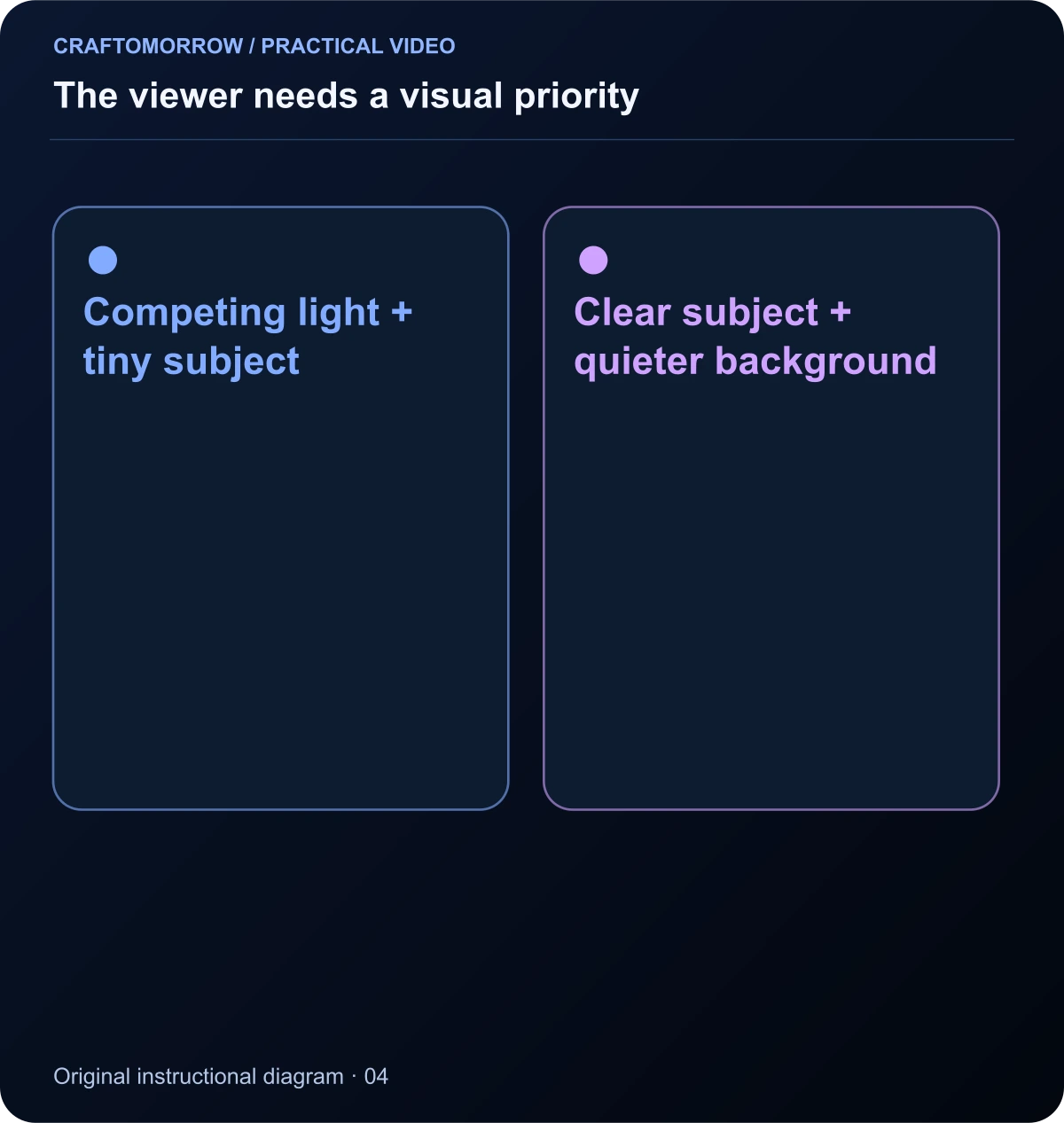
Read the diagram as text
- Competing light + tiny subject
- Clear subject + quieter background
Problem 2: the light has no believable source
A subject may have highlights that do not match the setting, or shadows that change direction between cuts. Stylised work does not need photographic lighting, but it still benefits from coherent rules. Decide where the key light comes from and what colours belong to the environment.
In a night alley, a blue sign could motivate a cool edge light while a warm doorway illuminates the face. If every surface glows from every direction, materials can lose their shape. Reduce the number of visual effects and make one light relationship readable before adding atmosphere.
Create a short lighting note for the sequence: warm key from the left, cool background, soft reflections on copper. Compare adjacent frames against that note. A deliberate lighting change can tell the story of moving indoors; an unexplained change between two views of the same action looks like a continuity error.
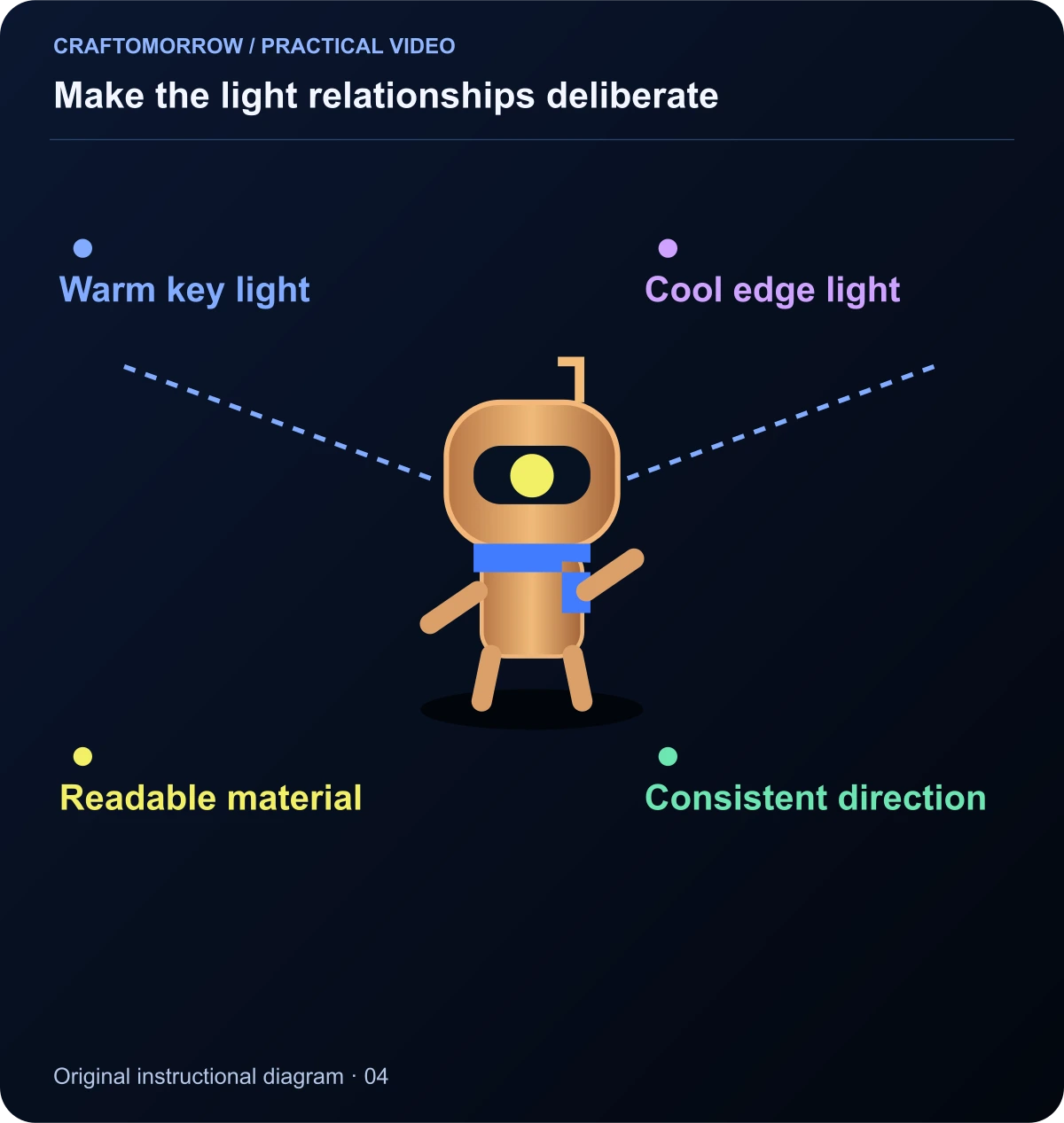
Read the diagram as text
- Warm key light
- Cool edge light
- Readable material
- Consistent direction
Problem 3: the camera is doing the character’s job
Large camera moves can create activity without advancing the story. If the shot is about a small emotional decision, a slow or locked view may communicate more than a fast orbit. If the shot is about discovering a hidden environment, movement may be exactly what it needs.
Write the purpose of the move in plain language. “Reveal the blocked staircase” is a purpose. “Make it epic” is not. When the camera moves and the subject performs a complicated action at the same time, you also increase the number of things that must remain coherent.
For image-to-video production, consult the chosen tool’s own motion guidance. Runway’s guide is one example that separates subject, environmental and camera movement. Our recommendation is to test the essential action with restrained camera behaviour first, then add a move only if it improves the result.
Problem 4: the action has no readable beginning and end
A hand reaches toward a cup, but the next shot shows a cup already on another table. A robot begins climbing, then appears at the top without any clear transition. Viewers can accept compressed action, but they still need enough information to connect the events.
Mark the start state, action and end state for each clip. In a delivery sequence, “capsule in carrier → robot places capsule → capsule on table” is a complete action. If the exact placement is technically difficult, use a clear insert and reaction rather than an ambiguous half-action.
Review object contact carefully. Floating feet, fingers passing through props and weightless landings are especially noticeable because they violate everyday expectations. You may repair the sequence with a different shot choice, a shorter usable section or a replacement insert. Do not assume a transition effect will hide the underlying confusion.
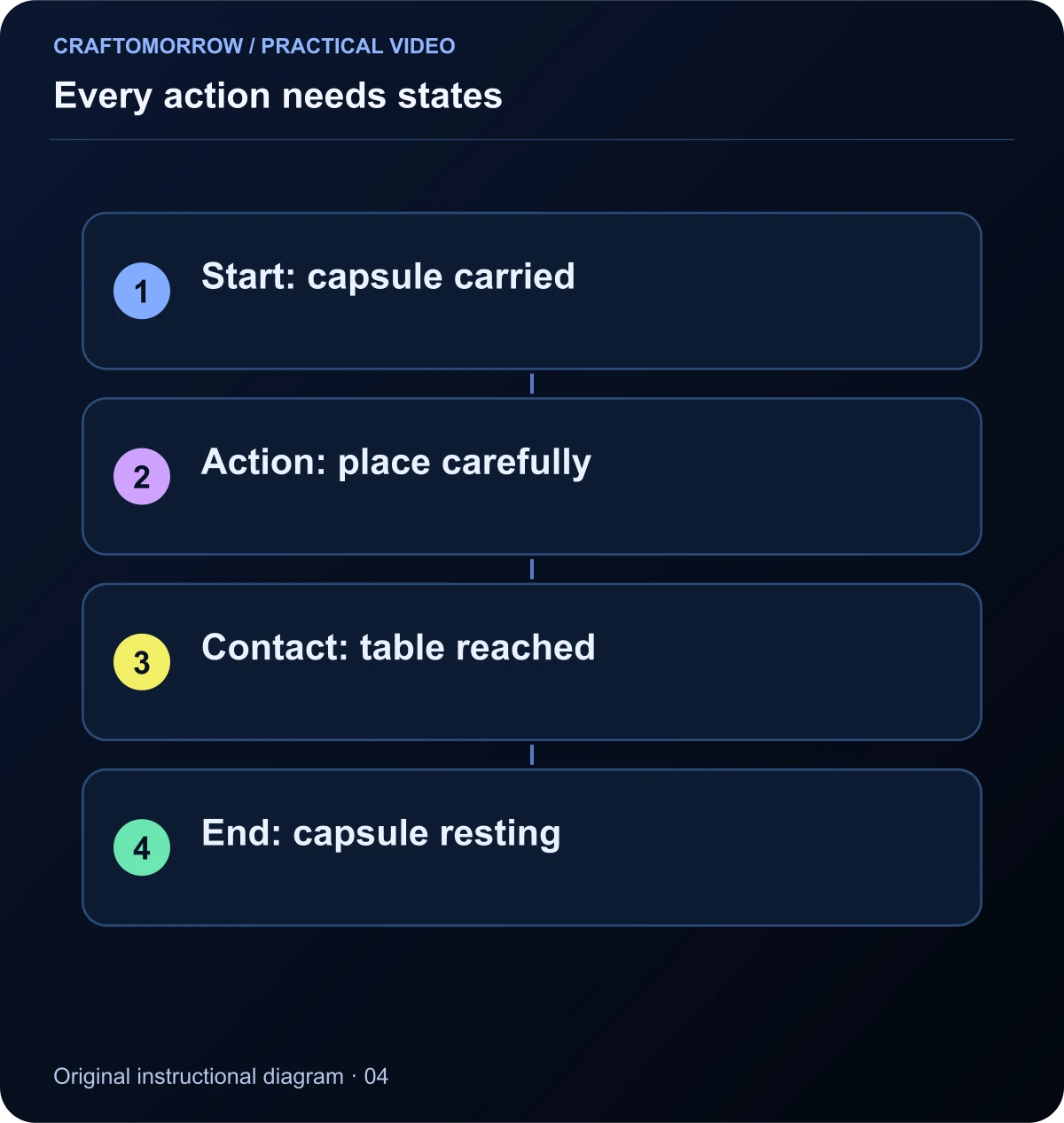
Read the diagram as text
- Start: capsule carried
- Action: place carefully
- Contact: table reached
- End: capsule resting
Problem 5: the character or product changes
Continuity includes identity, scale, material, clothing and state. A blue scarf becoming purple is one kind of mismatch; a capsule jumping from the left hand to the right is another. For products, distorted packaging or an invented interface can be more serious than a visual imperfection because the video no longer represents the item accurately.
Make a contact sheet of the selected shots and inspect the important details together. Compare the beginning and ending frames of moving clips as well. A character may start correctly and change during a turn or after passing behind an object.
Use a stable reference system and record intentional changes. Runway’s reference-media documentation explains one way a tool handles reusable reference assets. Your review still needs to decide whether the output serves the actual project. Save the approved identity and product source files so revisions do not quietly introduce a different baseline.
Problem 6: every cut has the same rhythm
If every shot lasts exactly two seconds and every transition is a zoom, the edit can feel mechanical. Rhythm comes from the relationship between information, movement, sound and expectation. A reveal may need a brief hold; a simple connecting action may need much less time.
Watch the sequence once without looking at the timeline. Note where you become impatient or confused. Then inspect those moments. Impatience may indicate a redundant shot; confusion may indicate a missing reaction or a cut before the important action is visible. These problems need different repairs.
Build contrast in the rhythm. A quick sequence can lead into a quieter payoff. A still frame can make the following movement feel stronger. Use transitions to connect changes in place, time or idea, not as decoration between every pair of clips.
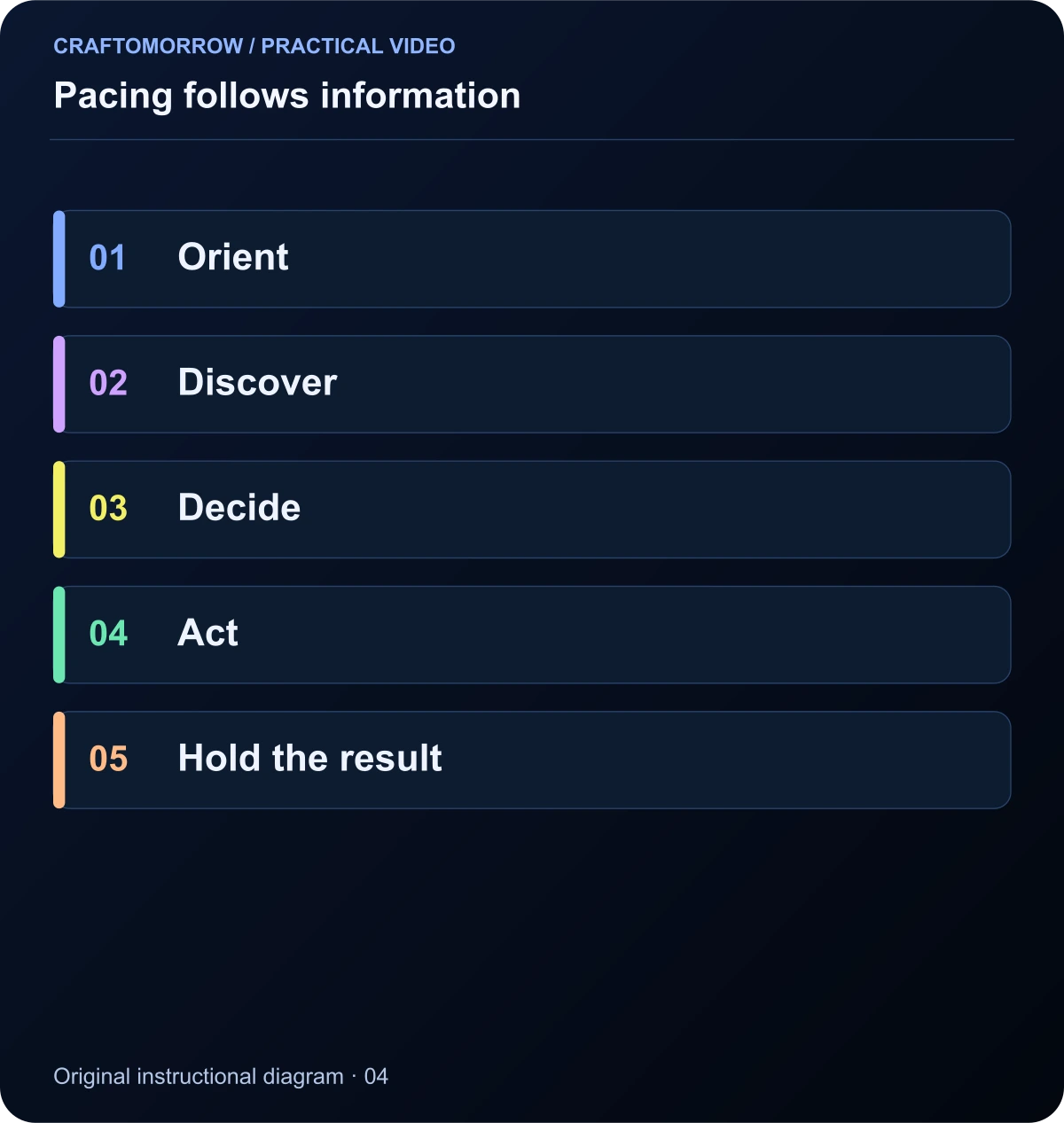
Read the diagram as text
- Orient
- Discover
- Decide
- Act
- Hold the result
Problem 7: the sound feels pasted on
Music alone does not make a scene feel physical. Small action sounds can connect the image to an imagined world: a button click, a footstep, a capsule touching glass. If those sounds arrive at the wrong moment or with the wrong apparent distance, they can make the scene feel less convincing.
Separate dialogue, ambience, action effects and music into understandable layers. Lower the music when an important voice or small action needs attention. Listen through ordinary phone speakers as well as headphones. A mix that depends entirely on deep bass may communicate little on a small speaker.
Use silence intentionally. Removing the music for a battery warning can make the moment clearer. Do not fill every gap simply because an audio track is available. Keep the source and permission record for any music or effects you publish, especially if the project will later become a downloadable kit.

Read the diagram as text
- Voice / essential cue
- Action and contact
- Environment
- Music supports
Problem 8: the captions and graphics undermine the footage
Tiny captions, weak contrast and constantly changing text styles can make polished footage feel amateur. Decide whether text is explaining, identifying or persuading. A subtitle needs different treatment from a one-word title or a product feature label.
Keep essential wording editable in the project rather than asking an image generator to produce exact text inside the scene. Inspect spelling, timing and line breaks. A caption that disappears before it can be read is not fixed by making the font more fashionable.
Use consistent typography and limit the number of competing styles. For code-based projects, Remotion’s caption documentation describes supported caption workflows. Whatever editor you use, review the actual exported video: a correct-looking timeline does not guarantee that the final file has the same readable result.
Use a repair table instead of regenerating everything
A useful diagnosis connects a visible symptom to a small next test. Regenerating the entire film every time you dislike one moment makes it difficult to learn what changed. Keep a short issue log with a timecode, severity, likely cause and proposed repair.
| Visible symptom | Likely area to inspect | First repair to test |
|---|---|---|
| The subject is hard to find | Composition and competing contrast | Simpler crop or background |
| A move feels arbitrary | Shot purpose | Locked view or motivated reveal |
| The prop floats | Contact and timing | Different insert or shorter usable section |
| The edit feels monotonous | Shot duration and information | Remove repetition, vary purposeful holds |
| The scene feels weightless | Action sound and contact | Synchronous effects and a clearer landing |
| The caption is unreadable | Size, contrast and duration | Simpler line breaks and longer hold |
Treat “likely cause” as a hypothesis. A flat-looking shot might be caused by lighting, material or excessive noise reduction. Change one factor, compare the result and keep a note. The process is more valuable than a collection of vague quality adjectives.
Run four review passes
First, review meaning: can you understand the goal, action and result? Second, review continuity: do the character, product and environment remain coherent? Third, review craft: inspect motion, cuts, sound and text. Fourth, review delivery: check dimensions, playback, captions and the next action.
Give each issue a severity. A wrong product feature is a blocker. A confusing handoff is a story problem. A slightly imperfect background detail may be acceptable if it is not distracting. This prevents you from spending the remaining budget on a decorative flaw while a major problem remains unresolved.
Use the same review order after revisions. Fixing an early composition may change where a caption belongs. Replacing a clip may alter the sound cue. A final full playback catches problems that isolated still-frame inspection cannot reveal.
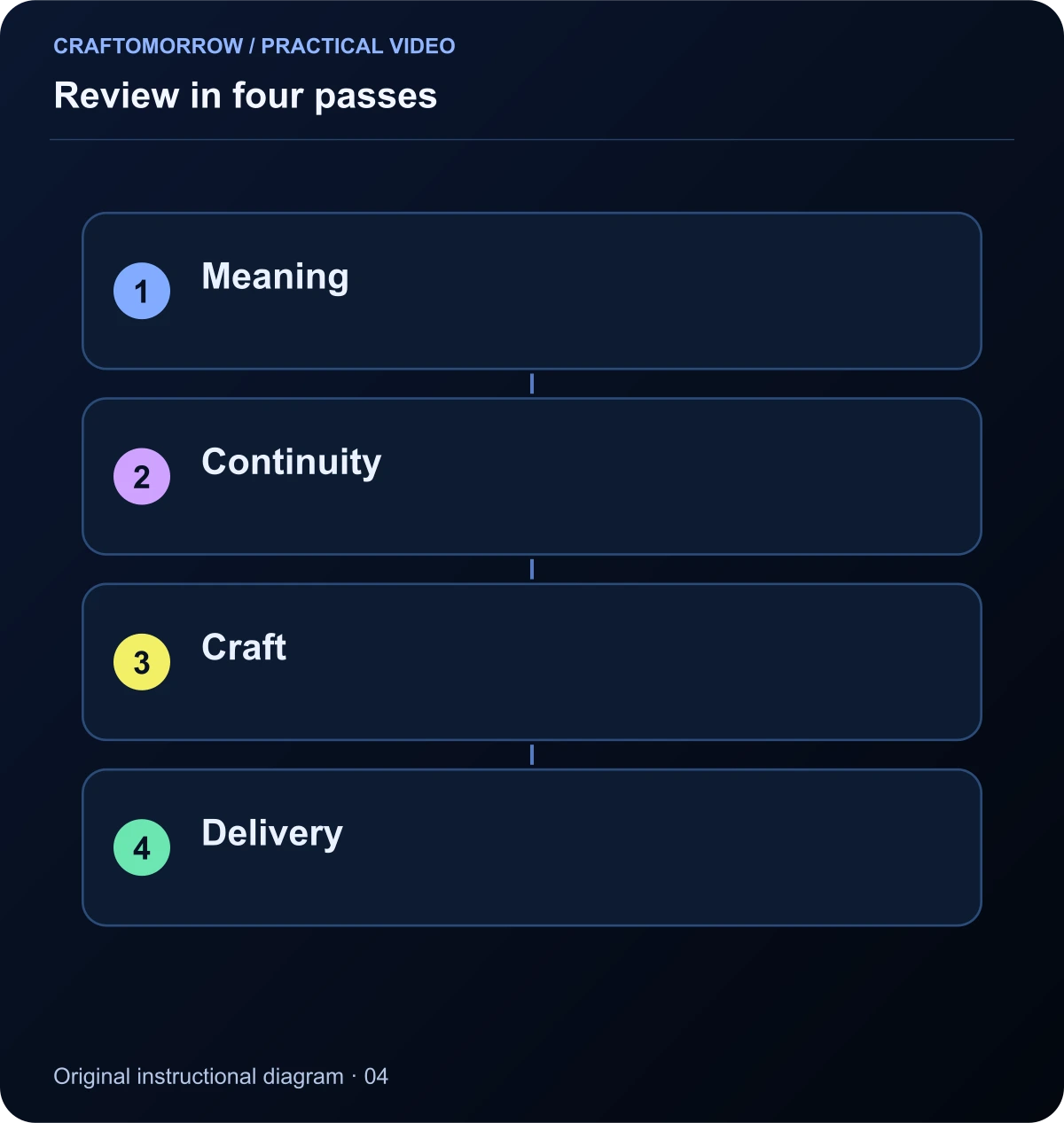
Read the diagram as text
- Meaning
- Continuity
- Craft
- Delivery
A worked quality review of the courier story
Imagine a draft where the robot is small beneath a bright sign, the camera circles during the seed placement, and the music masks the battery warning. Do not begin by requesting “more premium cinematic realism.” The sequence has three specific communication problems.
The first repair is to reduce the sign’s visual dominance or choose a closer opening. The second is to replace the orbit with a view that clearly shows where the capsule goes. The third is to create space in the mix for the warning. These are editorial choices you can explain and assess.
After those changes, inspect identity and contact. Only then consider finer colour matching, surface texture or export resolution. This example is a hypothetical review, not a report of measured improvements. Its purpose is to show how a diagnosis produces a concrete next action instead of another expensive creative reset.
Use a quality scorecard without pretending it predicts views
A scorecard can make review more consistent, but it is not an algorithm for virality. Create five categories: story clarity, visual continuity, physical action, sound and information readability. For each, write a concrete pass condition. “Premium” is not a pass condition. “The product label remains correct in every visible shot” is.
Use a simple status system: pass, revise or blocker. A blocker prevents release because it changes the product, confuses the story or breaks playback. A revise item weakens the result but has a known repair. A pass means the requirement is met at the intended viewing size, not that the work is beyond improvement.
Have the reviewer record a timecode and observation before suggesting a fix. “At six seconds the capsule changes shape” is an observation. “The model is bad” is an interpretation. Separating those statements keeps the conversation useful and gives you a testable issue.
Review the scorecard after making changes. A new close-up may solve subject visibility while exposing an identity inconsistency. A faster cut may improve pacing while making a caption unreadable. Quality is the relationship among decisions, so a repair should be checked in the full sequence rather than in isolation.
Know when to replace the shot rather than polish it
Some problems are structural. If a product is the wrong shape, a character has an extra limb during the central action, or the viewer cannot understand what happened, colour grading is not the right repair. Replace, reframe or redesign the shot. Keeping a technically weak centrepiece because it took many attempts is a production trap.
Other problems are local. A caption may need a different line break. An effect may need to move a few frames. A background highlight may need to be reduced. These are good candidates for an edit rather than a new generation. The issue log should make that distinction explicit.
Before replacing anything, preserve the current edit and note which requirement the new version must satisfy. This protects you from a cycle where each replacement solves one problem and introduces several forgotten ones. Compare against the brief, not just against the novelty of the latest output.
Release decisions also need scope. A tiny background imperfection that is invisible on the target screen may not deserve the same attention as an inaccurate claim. The aim is a deliberately reviewed piece of work, with known limitations, rather than an endless search for a perfect frame that never reaches a viewer.
Ask what the viewer saw before asking whether they liked it
Make the final review in the order a viewer experiences the piece. Check the opening without knowing the ending, the transition into the central action, and the payoff. Familiarity can make you overlook missing information because you already know the story. A fresh reviewer is particularly useful here. Ask them to describe what happened before asking whether they liked it. Their description can reveal a communication problem that a general opinion cannot locate. Save the observation with the release notes so the next project benefits from the lesson. If the description is accurate but the experience is dull, work on rhythm or emotional contrast rather than adding another explanation.
A quality checklist you can actually finish
Set a limited review session and work through the companion checklist. Write down the three most important issues, not every microscopic imperfection. For each, choose either an edit, a replacement shot, a reference correction or a deliberate acceptance. An unresolved issue should not disappear merely because you become tired of looking at it.
- The first useful frame has a clear subject.
- Each shot contributes information, emotion or persuasion.
- Character and product details stay accurate.
- Important actions have readable contact and consequences.
- Sound supports the action and captions are readable.
- The exported file plays correctly on the intended screen.
If you cannot fix a problem within the project’s constraints, simplify the concept or remove the weak moment. A coherent short video is usually a more useful deliverable than a longer sequence containing an obviously broken scene. The standard is not “no AI artefacts anywhere”; it is a truthful, understandable and deliberately finished piece of work.
About the visuals: cover artwork is an original AI-assisted conceptual illustration. Instructional diagrams are authored illustrations, not application screenshots, measured benchmarks or proof of customer outcomes. Public creator references are linked for study; their files and workflows are not included in the download.
Was this article useful?
Your feedback helps us improve these guides.