A cinematic character walking through rain and a product title moving precisely into place are both video, but they are different production problems. The first depends on a convincing moving world. The second depends on controlled layout, timing and exact wording. Treating both as the same kind of generation task can make a project unnecessarily difficult.
This guide helps you choose a method shot by shot. We will compare generative footage, editable animation and hybrid production, then plan a small launch video that uses each where it is useful. The companion bundle includes a simple browser-based motion study to demonstrate editable text and timing. It is not a cinematic video generator or an MP4 export service.
Define what must stay under your control
Start with the non-negotiable requirements. Does the product name need exact spelling? Must the interface match the real app? Will the client request five language versions? Does a recurring character need to perform a believable physical action? These questions determine the production method more clearly than a favourite tool.
Separate visual realism from editorial control. A scene can be photorealistic while being difficult to revise precisely. A simple illustrated composition can be easy to edit and still communicate beautifully. Neither quality automatically replaces the other.
Create a shot-requirements sheet with three fields: what the viewer must understand, what must remain accurate and what may vary creatively. For a launch video, the background atmosphere can be flexible while the product screen, price and included files remain exact. That distinction prevents a generative model from becoming the source of truth for your offer.
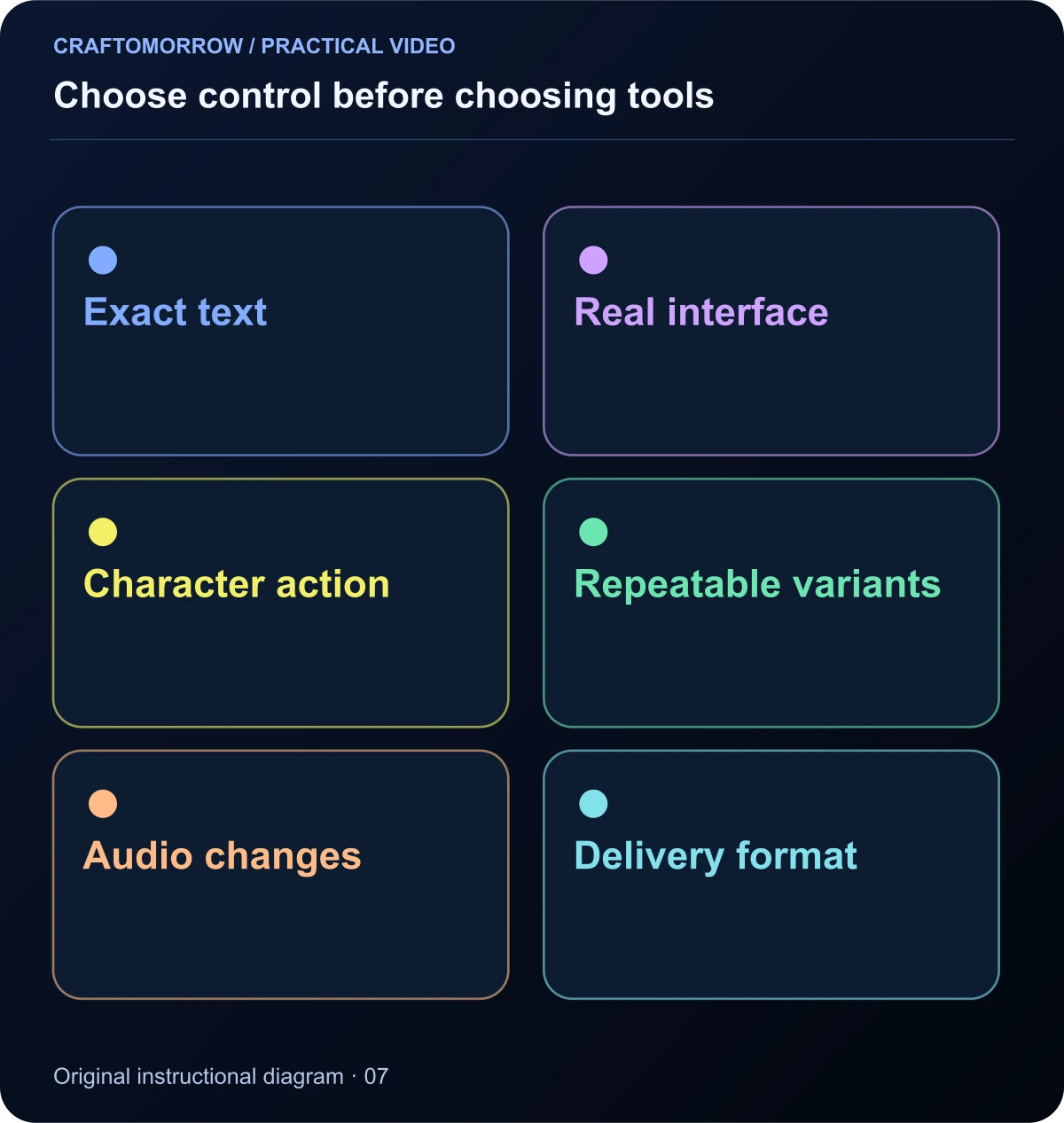
Read the diagram as text
- Exact text
- Real interface
- Character action
- Repeatable variants
- Audio changes
- Delivery format
What generative footage is useful for
Generative image and video tools can help create environments, characters, atmospheric scenes and visual transformations. They are useful when the moving image itself carries information or emotion that would be difficult to create with simple shapes and text.
The trade-off is uncertainty. A generated clip may contain a strong moment but fail at contact, identity or object detail. Revision may require another generation rather than changing one editable layer. Keep selected inputs, model information and output versions so that you can understand where a shot came from.
For the courier story, a quiet view of the robot approaching the greenhouse may be a generative-footage candidate. Exact lettering on the greenhouse sign is better added separately if it matters. You are not choosing between creativity and accuracy; you are assigning them to methods that give you appropriate control.
What editable animation is useful for
Editable animation represents visual elements as controllable objects or layers. Text, shapes, screenshots, timing and transitions can be changed independently. This is useful for explainers, product interfaces, captions, diagrams, branded variations and videos that need repeated revisions.
In a code-based approach, the composition is described by structured values and rendering logic. Remotion’s parameterized-video documentation explains how data can drive a composition’s content and metadata. That capability can support variations, but a well-designed template still needs rules for long titles, missing images and unusual aspect ratios.
Editable does not mean automatically beautiful. Poor typography and arbitrary motion remain poor typography and arbitrary motion when written in code. The design work includes spacing, hierarchy, timing, transitions and sound. A production system should make those decisions reusable rather than pretending they disappear.
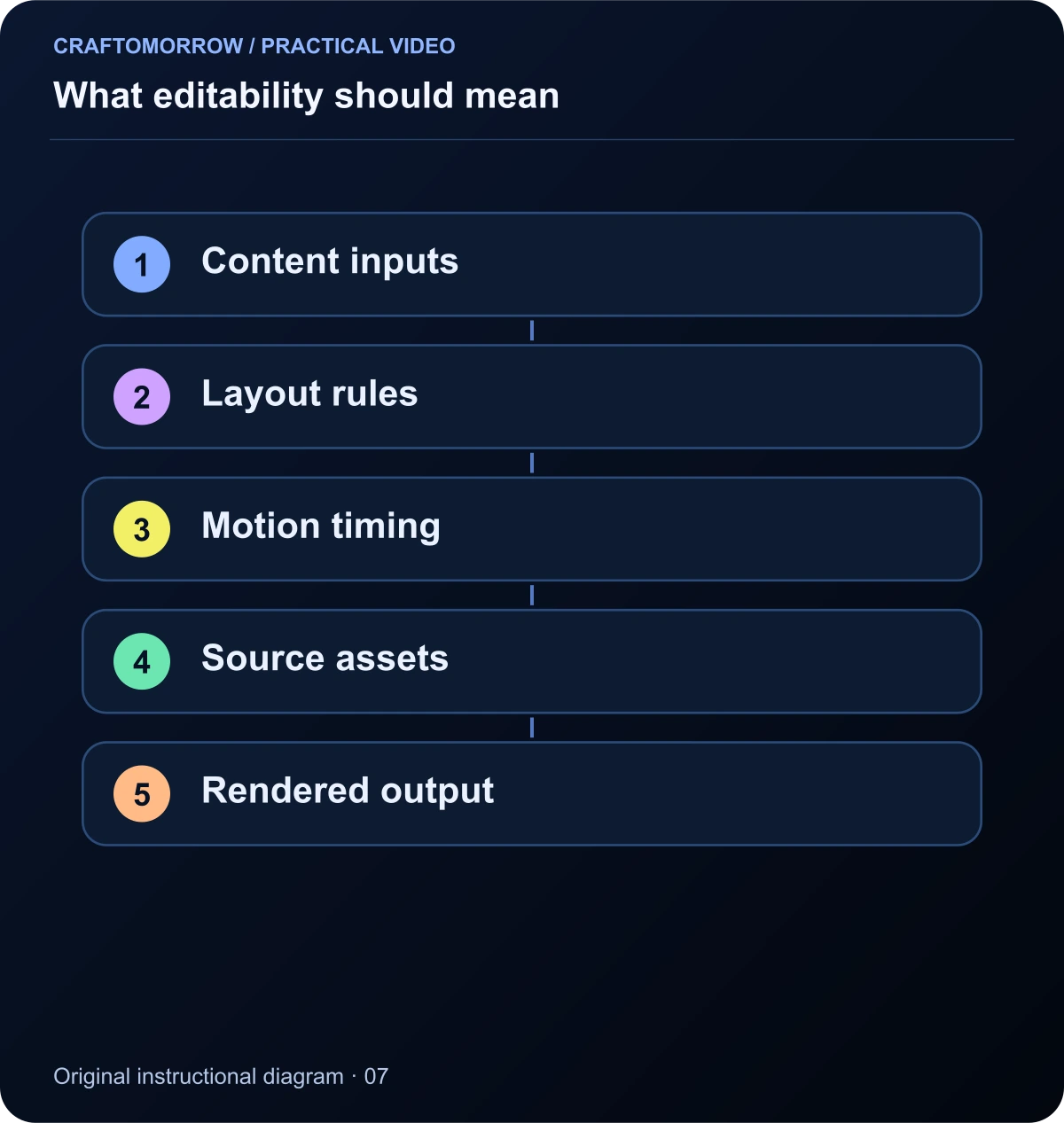
Read the diagram as text
- Content inputs
- Layout rules
- Motion timing
- Source assets
- Rendered output
Compare the revision you actually need
Imagine a buyer asks you to change “Starter Kit” to “Creator Launch Toolkit” and supply a portrait version. In an editable composition, you can change the text and adjust the layout rules. In a flattened generated clip, the title may be baked into the image and difficult to replace cleanly.
| Requirement | Generative footage | Editable animation |
|---|---|---|
| Exact spelling and figures | Add or correct outside the footage | Keep text as editable data |
| Natural character action | Possible with review and iteration | Requires suitable animation assets or technique |
| Product-interface accuracy | Use genuine captures or compositing | Can place real recordings precisely |
| Many copy variations | Footage may be reused underneath | Template can expose controlled inputs |
| New camera action | May require new generation | Depends on the scene and available geometry |
| File handoff | Usually clips plus production inputs | Project and assets can be supplied |
This is a production comparison, not a universal quality ranking. A hybrid workflow often avoids forcing either method to do something it handles poorly.
Build a hybrid launch sequence
Consider a twenty-second video for an editable storyboard kit. The first shot shows the problem: disconnected notes and unclear scenes. The second shows a real worksheet being filled in. The third presents a coherent sequence of original story frames. The final shot shows the actual included files and a clear next step.
Generated imagery could provide an atmospheric story frame, while genuine screen recordings show the worksheet. Editable graphics label the steps and identify the included formats. A conventional edit assembles the sequence and sound. The advertisement remains connected to the actual deliverable.
The Sub-level marketing-video repository documents a first-party example of combining code-driven compositions with separately generated footage. Its showcase films and licensed music are not automatically included in the repository. The useful lesson is the division of production responsibilities, not a promise that copying a scaffold recreates its finished films.
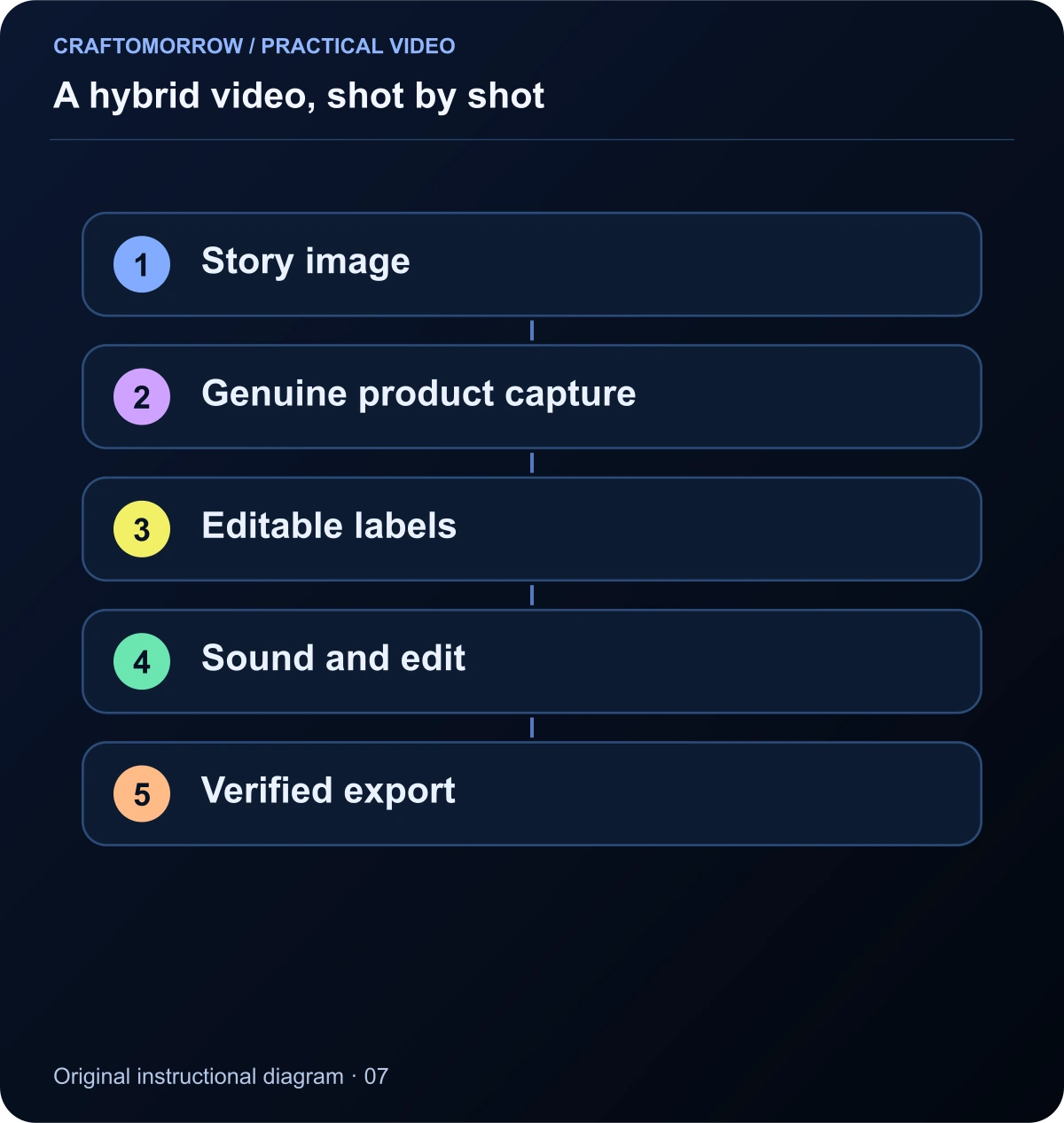
Read the diagram as text
- Story image
- Genuine product capture
- Editable labels
- Sound and edit
- Verified export
Expose inputs that a buyer can understand
A useful template does not expose every internal variable. It offers controls for the changes a buyer actually needs: headline, supporting line, product image, accent colour, logo and duration within an appropriate range. Each control should have a clear label and a sensible example.
Protect the composition against ordinary variations. A longer headline should wrap deliberately or trigger a clear limit. A missing image should produce an understandable message rather than a blank render. An unsupported colour value should not silently make the title invisible.
For our browser motion study, the small scope is deliberate: an editable headline, supporting line and accent colour animate through a fixed sequence. That demonstrates controllable content without claiming to be a complete video editor. A buyer can inspect what changes and what remains fixed.
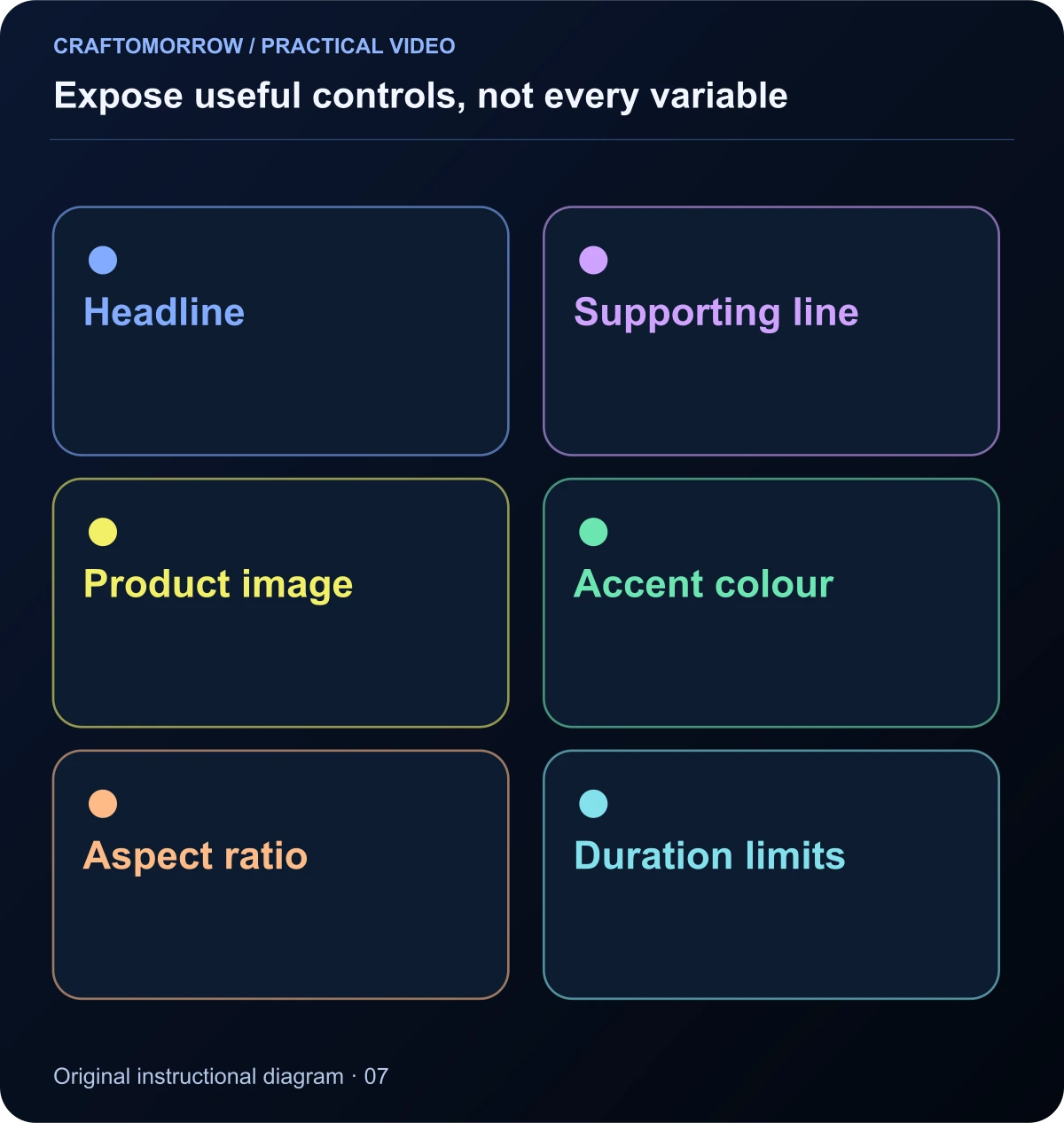
Read the diagram as text
- Headline
- Supporting line
- Product image
- Accent colour
- Aspect ratio
- Duration limits
Plan portrait and landscape as compositions
A wide composition and a vertical composition have different spatial relationships. A product screen that sits beside a headline on desktop may need to move below it in portrait. Simply cropping the wide frame can remove the product or leave the text unreadable.
Create a layout rule for each orientation. Decide the priority of title, subject and supporting information. Keep important elements within a readable area while checking the actual destination preview for platform controls. Do not assume one fixed safe-area diagram applies to every placement forever.
When elements are editable, layout changes can be systematic. When the important action is inside footage, you may need another crop, a different source shot or a redesigned composition. Plan those requirements before generating a complex wide scene whose subject cannot fit a vertical frame.
Keep the sound and captions editable too
A source project is incomplete if the buyer cannot replace the music, correct a subtitle or adjust a cue. Organise audio by role and document any external dependencies. If a music licence does not permit redistribution, do not place the track inside a downloadable kit merely because it was used in a showcase.
Caption files can be separate from the rendered video or burned into the output, depending on the delivery requirement. Remotion’s caption documentation distinguishes several supported import, display and export tasks. The practical handoff should say exactly which formats are included and how the buyer can change them.
Review timing after text changes. A longer headline may need a longer readable hold. A corrected voiceover can change the duration of the scene. Editability is useful only if the production system handles those consequences instead of preserving the old timing blindly.
Understand the cost categories
Generative footage has an iteration cost: rejected outputs, alternative references and repeated difficult shots. Editable animation has a setup cost: composition design, implementation, testing and documentation. A hybrid project contains both. Do not compare only the price of one generation with the price of a finished editable system.
For repeated variations, a well-designed composition can reuse timing and layout. That does not make every future version free. Someone still needs to check copy, imagery, audio and output quality. Similarly, reusing generated footage can be efficient when the new message genuinely fits it.
Use a budget sheet that separates one-time setup from per-version work. Record active editing time separately from waiting for renders. If you sell templates, include the time required to make them understandable to another person. A project that works only because you remember its hidden assumptions is not a finished product.
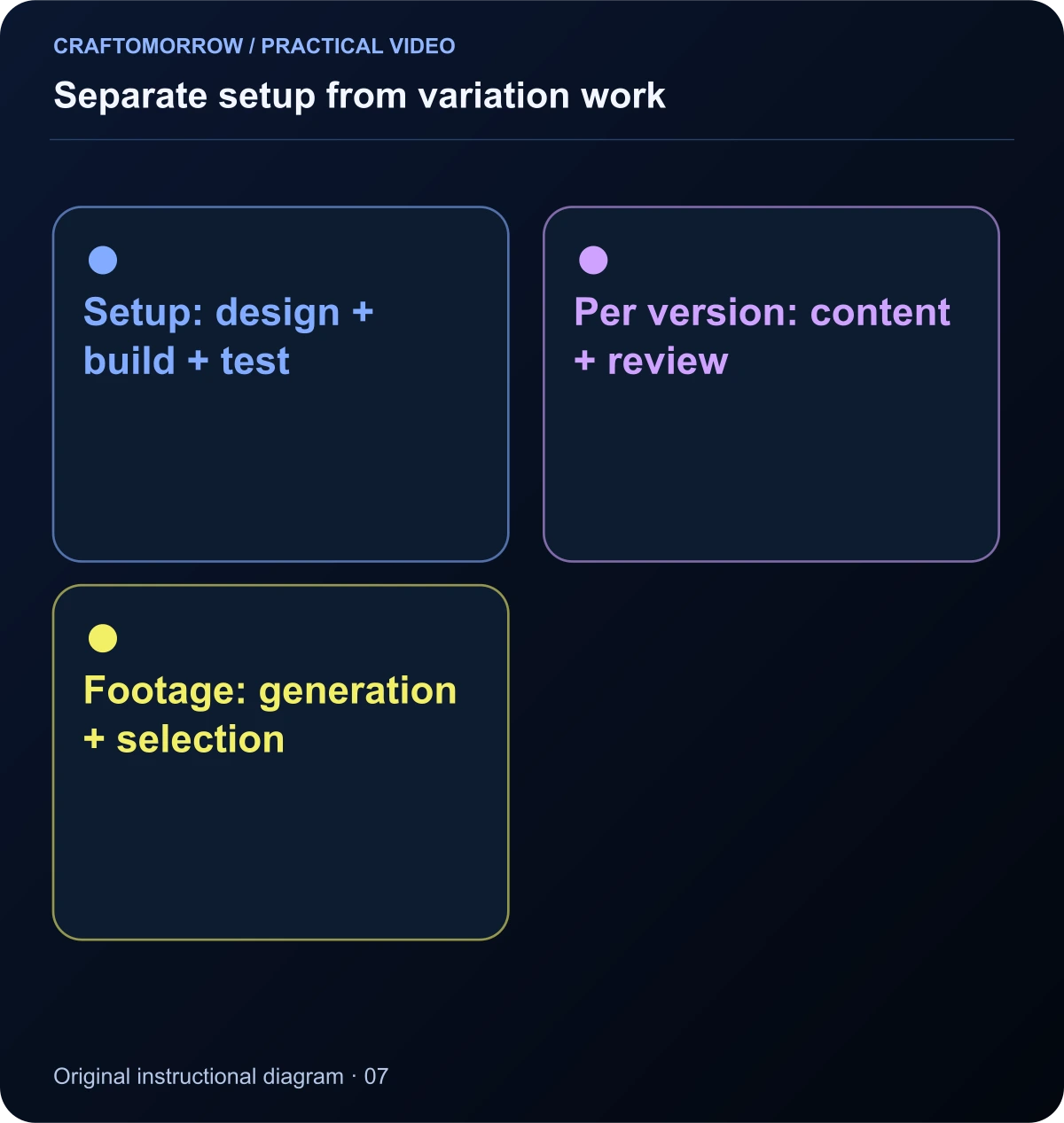
Read the diagram as text
- Setup: design + build + test
- Per version: content + review
- Footage: generation + selection
Test the handoff on a clean folder
Copy the delivery package to a new location and follow the instructions as if you were the buyer. Check for missing fonts, local file paths, unbundled assets and undocumented tools. A project that opens on your machine may still depend on material outside the package.
Change the example headline, replace the image and create the alternative aspect ratio. Those are meaningful handoff tests because they resemble ordinary buyer actions. If the project fails, record the specific cause and repair it before advertising the relevant capability.
For a browser-based study, open the supplied HTML file directly and confirm that its controls do not require a server, account or external request. For a rendered-video project, document the actual runtime and rendering steps. Do not call an HTML preview an MP4 export if it does not produce an MP4.
A decision tree for your next project
If the most important requirement is exact information, begin with editable layers or genuine captures. If it is a physical action in an imagined world, consider generative footage or an appropriate animation technique. If both matter, divide the sequence into shots and combine methods.
Next ask how often the content will change. A one-off atmospheric scene has different requirements from a template used for fifty products. Also ask who will edit it. A technically capable buyer may accept a code project; a nontechnical buyer may need a simpler interface or a project for software they already use.
Finally, define the delivery format. Finished MP4s, editable project files, source assets and workflow instructions are separate deliverables. Name them explicitly in the brief and on the sales page. This prevents an attractive preview from creating the wrong expectation about what the buyer can do next.
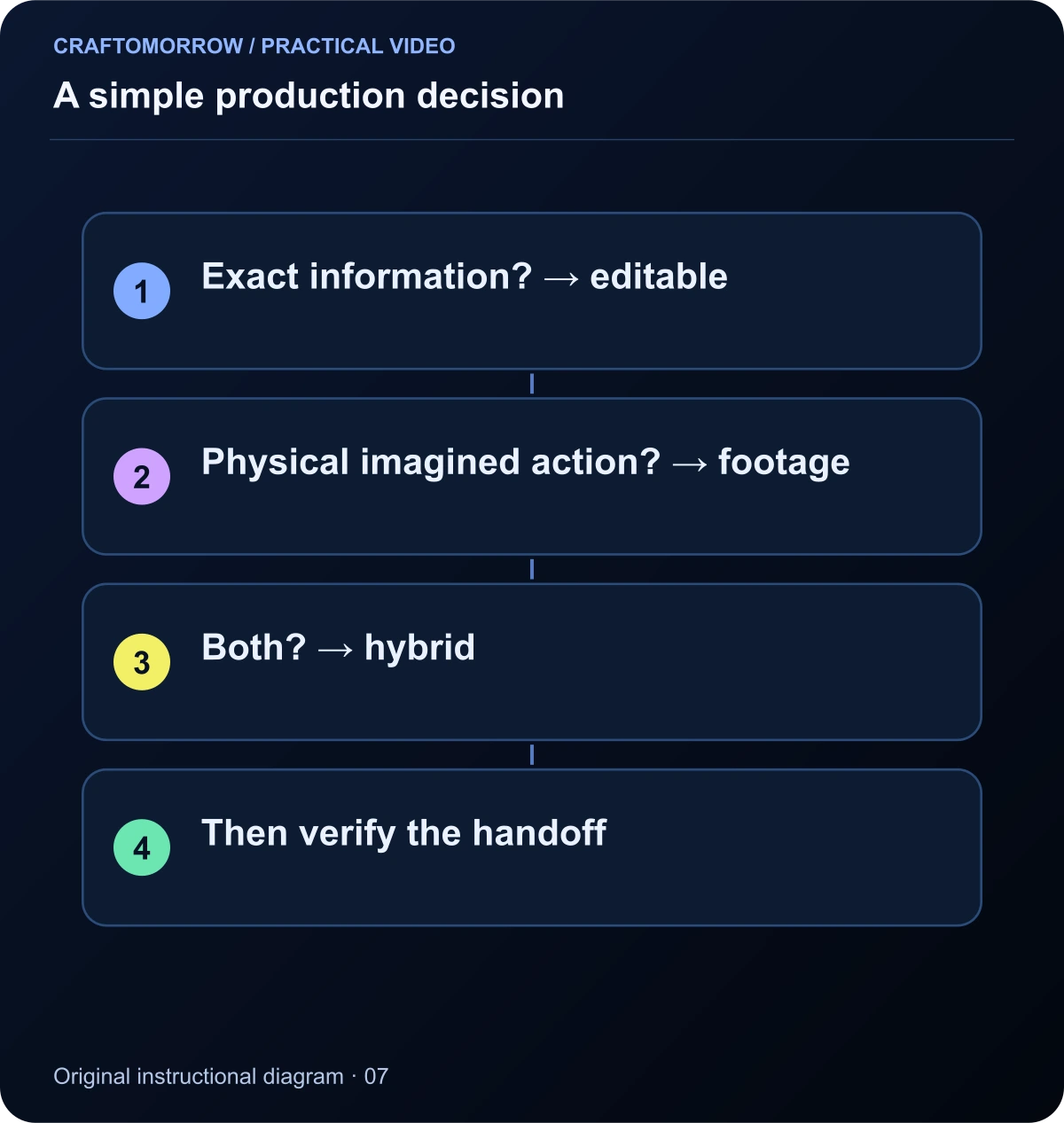
Read the diagram as text
- Exact information? → editable
- Physical imagined action? → footage
- Both? → hybrid
- Then verify the handoff
Inspect a template’s behaviour with awkward inputs
The best way to test editability is to use inputs that are ordinary but inconvenient. Replace a short title with a longer one. Use a portrait image where the example uses landscape. Remove the optional supporting line. Try a brand colour that has poor contrast with the background. A template should either handle those changes or explain its limits.
Create an input test sheet with the original value, changed value, expected behaviour and observed result. For a headline, the expected behaviour might be a deliberate two-line layout rather than clipping. For an image, it might be a documented crop with an option to adjust its focal position. These tests turn “customisable” into a specific capability.
Do not silently reduce text until it becomes unreadable simply to make every input fit. A clear limit or a useful error message is preferable to a technically successful render that nobody can read. Similarly, a composition should not fill a missing image with an unrelated placeholder and pretend the output is complete.
For a buyer-facing product, document the tested range. You might support a headline of one or two lines and a specific set of aspect ratios. That is a more credible promise than unlimited customisation. The quality of the controls matters more than the number of variables exposed.
Keep source, preview and final output distinct
The source project is the editable system. The preview is a way to inspect it. The export is the delivered media file. They can look similar on screen, but they have different technical requirements. A browser animation that plays smoothly is not automatically a renderable video project, and an exported MP4 does not contain the source layers.
In the companion motion study, the controls change a browser composition and replay its animation. There is no built-in MP4 renderer. That limitation is stated in the file so the example remains educational rather than creating a false impression of a complete video product.
If you build a larger system, test the export path separately. Check frame dimensions, duration, audio, captions and playback after rendering. Inspect a few critical frames as well as the full sequence. A project can have correct controls while its export pipeline still fails.
When you hand off a kit, tell the buyer which files are sources, which are previews and which are finished media. Include the actual rendering instructions where relevant. These distinctions make the product less confusing and help the buyer choose a workflow that matches their skills and available tools.
A useful final exercise is to write the same short message for three delivery types: a flattened clip, an editable template and a production-input pack. List what changes the buyer can make in each. If the descriptions sound identical, the deliverables are probably not explained precisely enough.
Name the rendering responsibility in the handoff
State who produces the final video file. In one arrangement, you deliver finished exports. In another, the buyer opens the project and renders locally. In a third, an external service performs rendering and may charge separately. These arrangements can share a similar preview while creating very different obligations for the buyer. Put the relevant requirement beside the output description rather than hiding it in a technical appendix. If you have not tested a rendering route, do not describe it as supported. A precise statement of responsibility is one of the simplest ways to prevent an editable animation product from becoming a confusing support problem.
Try the editable motion study
Open the companion bundle’s motion-study file in a modern browser. Change the headline, supporting line and accent colour, then replay the sequence. Test a short title and a much longer title. Observe how layout and timing affect readability even though the visual style stays the same.
This small exercise demonstrates a real distinction: changing structured inputs is different from requesting another generative clip. It does not demonstrate every feature of a professional motion-design project. There is no included cloud rendering, cinematic footage generation or automatic publishing.
- Write down what must remain exact in your project.
- Assign a production method to each shot.
- List the buyer-editable inputs and their limits.
- Test portrait and landscape separately.
- Verify the actual delivery files and external requirements.
The best workflow is the one that meets the brief with understandable trade-offs. Choose it because it gives you the required control, not because every part of the project must carry an AI label.
About the visuals: cover artwork is an original AI-assisted conceptual illustration. Instructional diagrams are authored illustrations, not application screenshots, measured benchmarks or proof of customer outcomes. Public creator references are linked for study; their files and workflows are not included in the download.
Was this article useful?
Your feedback helps us improve these guides.